Cancel accounts created using an Apple ID / itunes account
If you signed up for an iwonder account using your Apple ID credentials, you must follow the steps below to cancel your account:
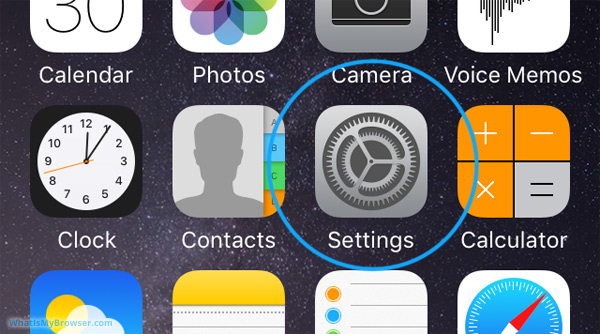
Step 1: Go to your phone's Settings
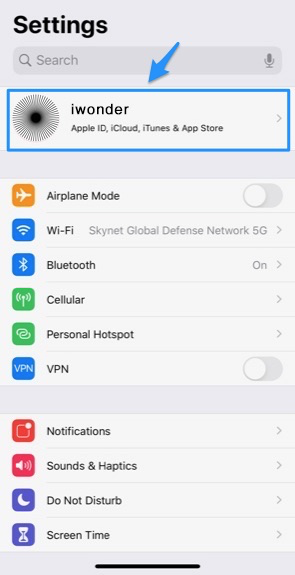
Step 2: Click your Apple ID
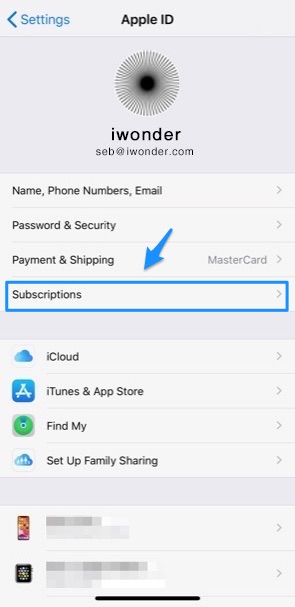
Step 3: Click on 'Subscriptions'
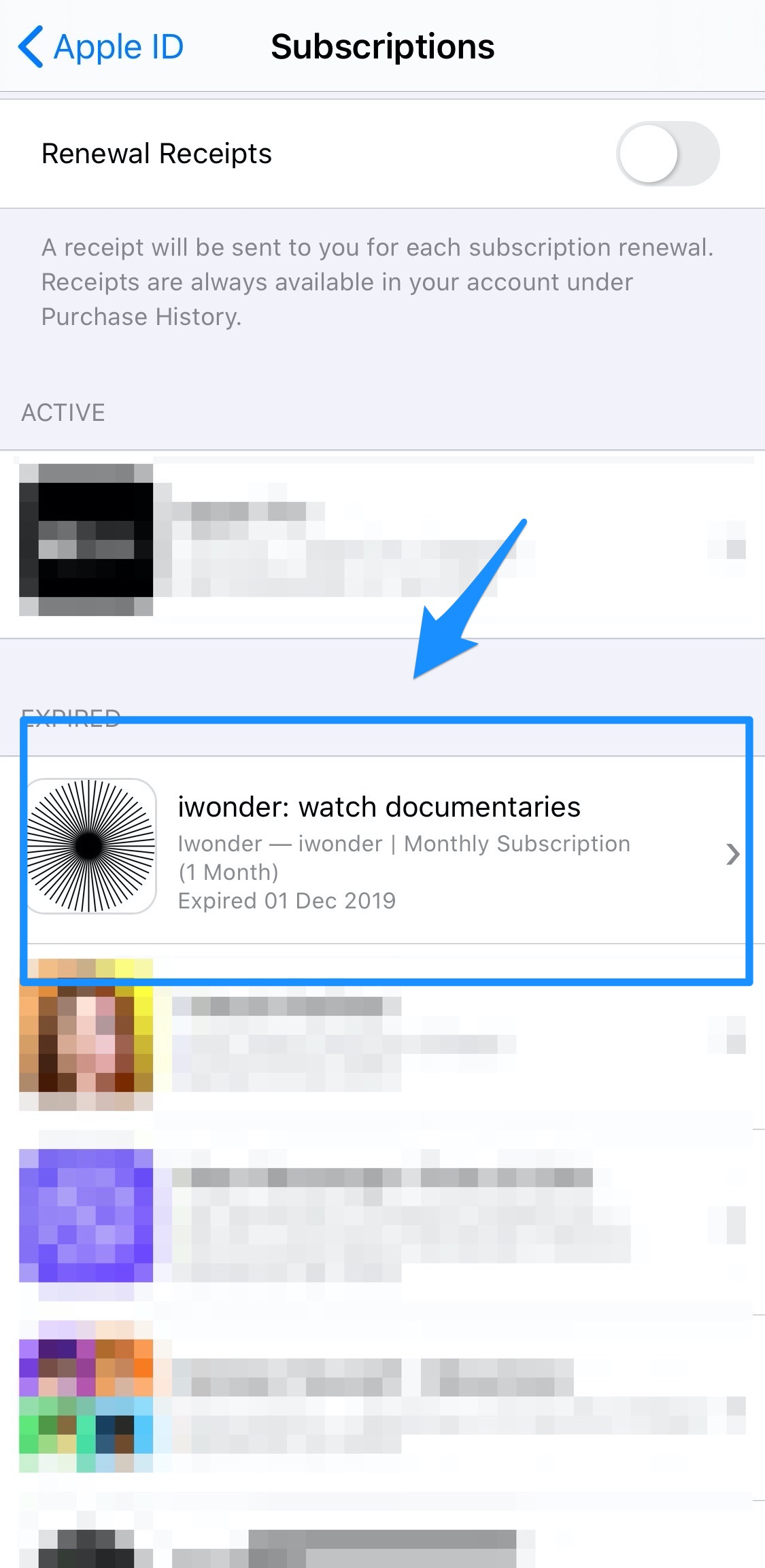
Step 4: Select iwonder
Step 5**:** Click on 'Cancel Subscription'
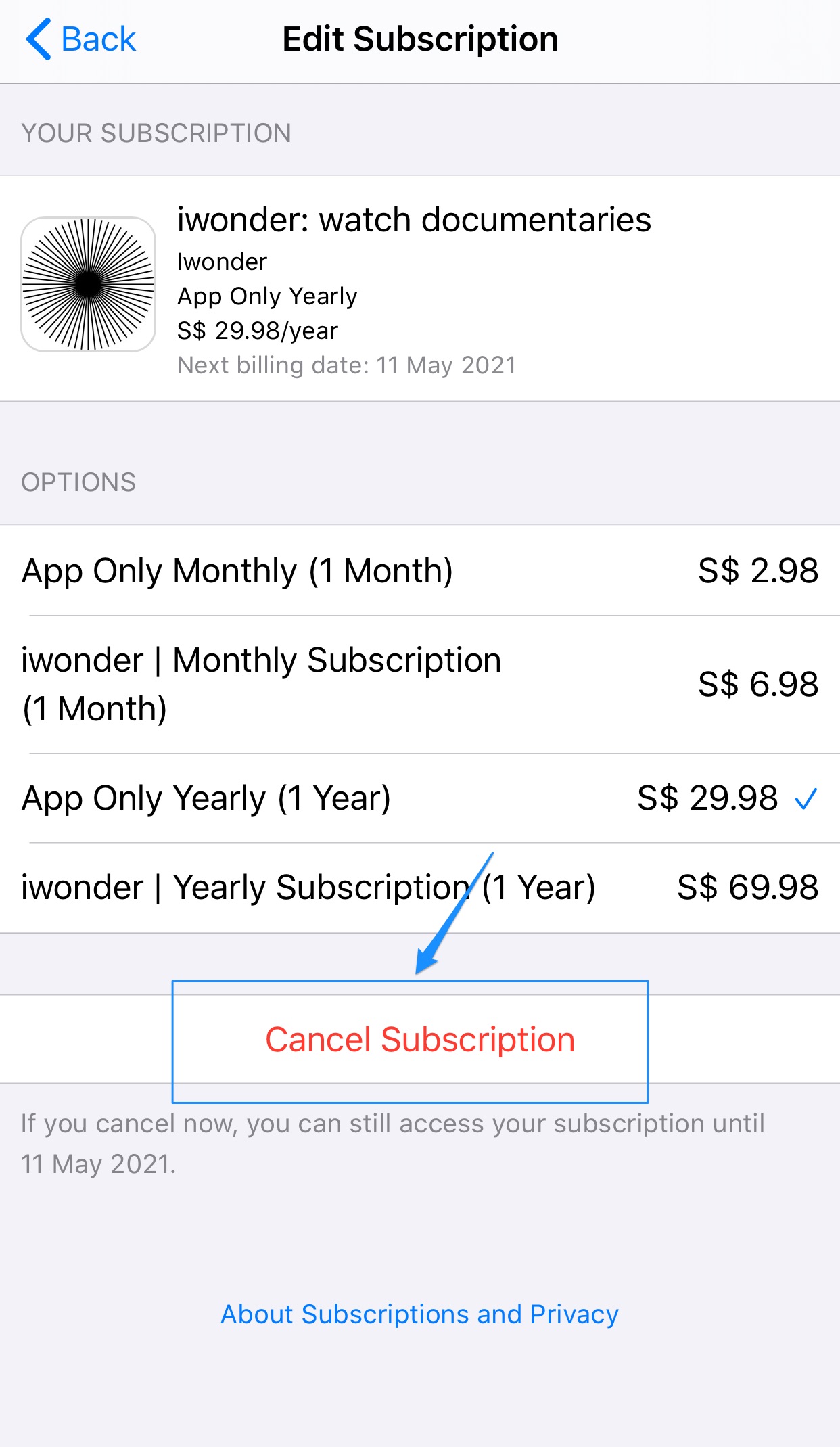
That's it! For any issues encountered, please send us an email at support@iwoder.com and we will be happy to help.